

Click any cell in the pivot table, then go to PivotTable Analyze › Refresh (or press Alt + F5). To update every pivot table in the workbook, use Data › Refresh All.
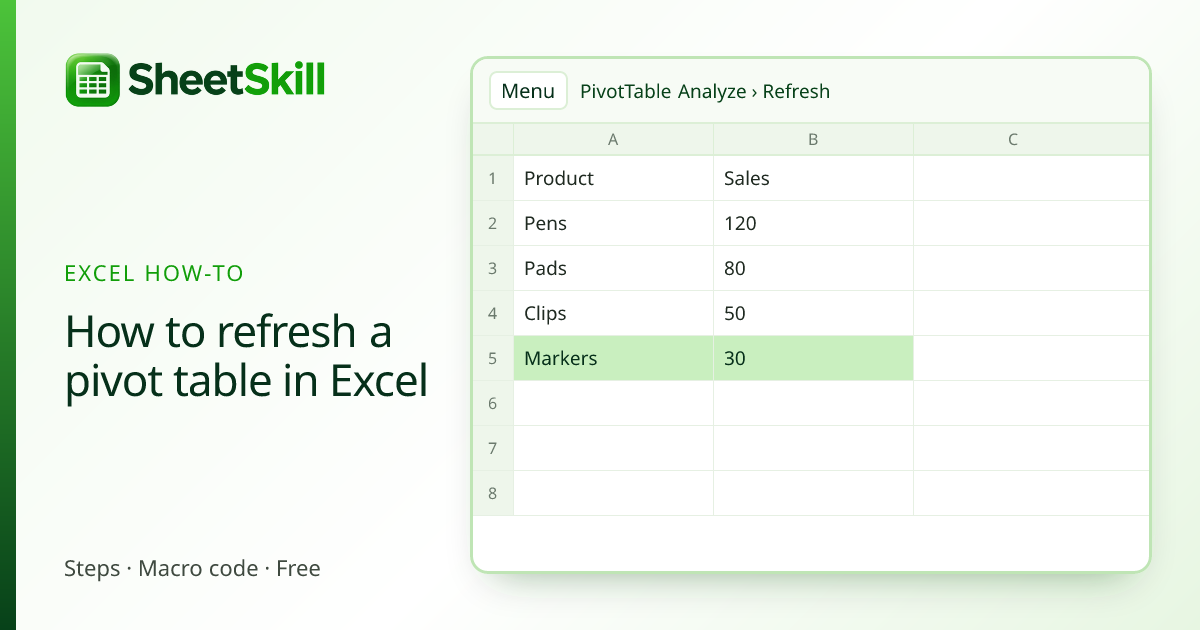
You added new rows to the source data or changed some values, but the pivot table still shows the old numbers. Pivot tables do not update automatically when the source changes, so you need to refresh them to see the latest figures.
Step by step
- Click any cell inside the pivot table so the PivotTable Analyze tab appears on the ribbon.
- On the PivotTable Analyze tab, click the Refresh button (or press Alt + F5). The pivot table recalculates from the source data.
- If you have several pivot tables, go to the Data tab and click Refresh All to update every pivot table and data connection in the workbook.
- To refresh automatically when the file opens, right-click the pivot table, choose PivotTable Options, go to the Data tab and tick Refresh data when opening the file.
- If the new data is outside the original source range, click Change Data Source on the PivotTable Analyze tab and select the larger range (or use an Excel Table as the source so the range grows automatically).
On a Mac: On a Mac, the tab is called PivotTable Analyze and the shortcut is Alt + F5 as well; Data › Refresh All is also available.
Before and after
| A | B | C | |
|---|---|---|---|
| 1 | Product | Sales | |
| 2 | Pens | 120 | |
| 3 | Pads | 80 | |
| 4 | Clips | 50 |
| A | B | C | |
|---|---|---|---|
| 1 | Product | Sales | |
| 2 | Pens | 120 | |
| 3 | Pads | 80 | |
| 4 | Clips | 50 | |
| 5 | Markers | 30 |
The macros
Press Alt+F11, choose Insert › Module, paste the code, then press F5 to run it. Save the file as .xlsm to keep the macro.
Refresh all pivot tables in the active sheet
Sub RefreshPivotsOnSheet()
    Dim pt As PivotTable
    ' Loop through every pivot table on the active sheet
    For Each pt In ActiveSheet.PivotTables
        pt.RefreshTable   ' refresh this pivot table
    Next pt
End SubRefresh all pivot tables in the whole workbook
Sub RefreshAllPivots()
    Dim ws As Worksheet
    Dim pt As PivotTable
    ' Check every sheet and every pivot table
    For Each ws In ThisWorkbook.Worksheets
        For Each pt In ws.PivotTables
            pt.RefreshTable
        Next pt
    Next ws
End SubPractise it
Free exercises with instant feedback. No sign-up needed.
Common mistakes
- The pivot table still shows old data after clicking Refresh. The new rows may be outside the source range. Click Change Data Source and include the new rows, or convert the source to an Excel Table (Ctrl + T) so the range expands automatically.
- You press F5 and nothing happens. F5 alone is Go To. Use Alt + F5 to refresh the pivot table, or click the Refresh button on the PivotTable Analyze tab.
- Only one pivot table updates when you have several. Use Data › Refresh All to update every pivot table and data connection in the workbook.
Questions people also ask
How do I refresh a pivot table automatically?
Right-click the pivot table, choose PivotTable Options, go to the Data tab and tick Refresh data when opening the file. You can also refresh on a timer with a short VBA macro.
Why is my pivot table not updating?
The source range probably does not include the new rows, or the pivot table is connected to a different data source. Check Change Data Source and make sure the range covers all data.
Does refreshing a pivot table change the source data?
No. Refresh only reads the source data and rebuilds the pivot table; it never changes the source cells.
Steps written for Excel for Microsoft 365 on Windows. All how-to guides