

Select the cell, go to Data › Data Validation, choose List under Allow, and type your options separated by commas or select a range. Click OK to apply.
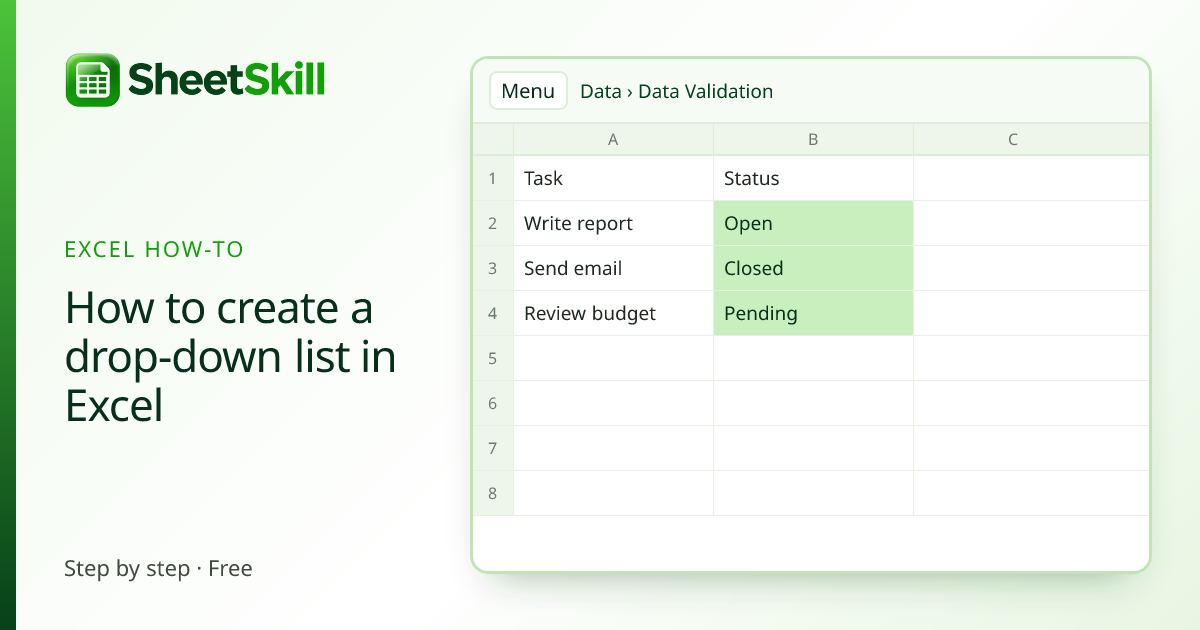
You often need people to pick from a fixed set of values, like a status (Open, Closed, Pending) or a department name. A drop-down list stops typos and keeps entries consistent.
Step by step
- Select the cell or cells where you want the drop-down.
- On the Data tab, click Data Validation.
- In the Allow box, choose List.
- In the Source box, type your options separated by commas (for example: Open,Closed,Pending) or click the arrow and select a range of cells that contain the options.
- Make sure In-cell dropdown is checked, then click OK.
- To apply the same list to more cells, copy the cell and paste it, or drag the fill handle.
On a Mac: On a Mac, the path is Data › Data Validation; the dialog looks the same.
Before and after
| A | B | C | |
|---|---|---|---|
| 1 | Task | Status | |
| 2 | Write report | ||
| 3 | Send email | ||
| 4 | Review budget |
| A | B | C | |
|---|---|---|---|
| 1 | Task | Status | |
| 2 | Write report | Open | |
| 3 | Send email | Closed | |
| 4 | Review budget | Pending |
Practise it
Free exercises with instant feedback. No sign-up needed.
Common mistakes
- The drop-down arrow doesn't appear. Check that In-cell dropdown is ticked in the Data Validation dialog.
- You get an error when typing a value that is not in the list. Either pick from the list or turn off the error alert in Data Validation (Error Alert tab, uncheck Show error alert).
- The list doesn't update when you change the source range. If you typed the options directly, edit the Source box. If you used a range, make sure the range includes the new items.
Questions people also ask
Can I use a drop-down list from another sheet?
Yes, but you need to define a named range for the list on the other sheet and then use that name in the Source box.
How do I remove a drop-down list?
Select the cell, open Data Validation, click Clear All, then OK.
Can I make a drop-down list that allows other entries?
Yes, in Data Validation go to the Error Alert tab and uncheck Show error alert after invalid data is entered.
Steps written for Excel for Microsoft 365 on Windows. All how-to guides