

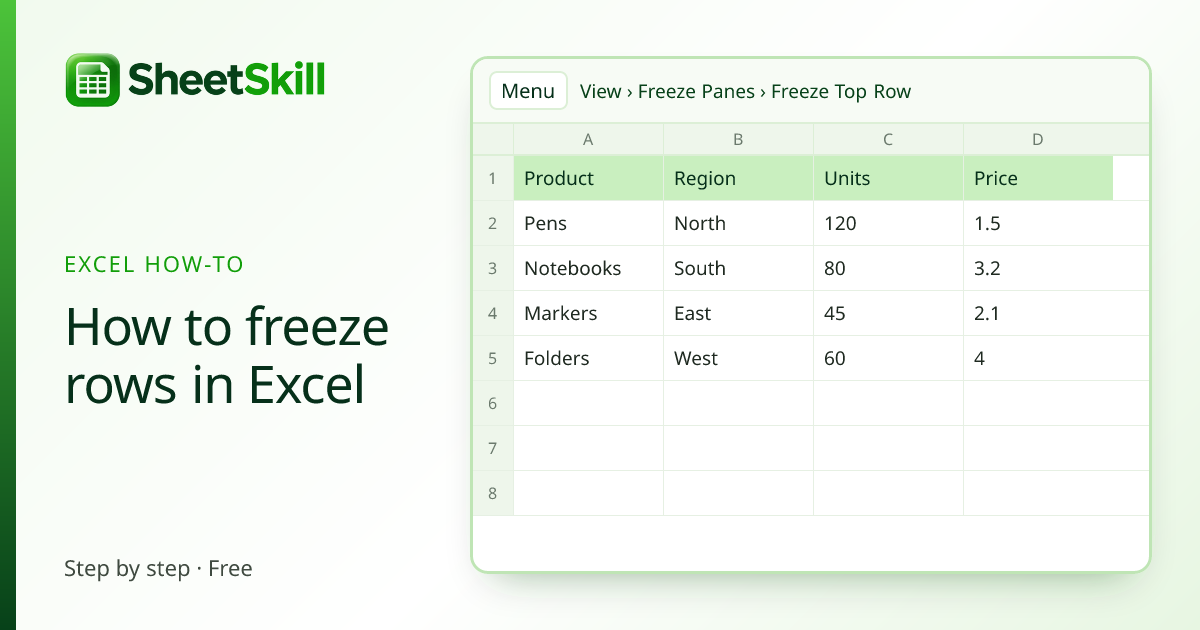
Go to View › Freeze Panes › Freeze Top Row to keep row 1 visible while you scroll. To freeze several top rows, select the row below them and choose View › Freeze Panes › Freeze Panes.
You have a long list with a header row, and once you scroll down the headers disappear, so you forget which column is which. Freezing the top row keeps the headers on screen the whole time.
Step by step
- Open the sheet and click any cell inside your data, for example A1.
- On the ribbon, click the View tab.
- In the Window group, click Freeze Panes.
- Choose Freeze Top Row to lock only row 1, or choose Freeze Panes to lock everything above and left of the selected cell.
- Scroll down: the frozen row stays at the top with a thin line under it.
- To undo it, go back to View › Freeze Panes and click Unfreeze Panes.
On a Mac: On a Mac the same commands are under the View tab on the ribbon; there is no default keyboard shortcut.
Before and after
| A | B | C | D | |
|---|---|---|---|---|
| 1 | Product | Region | Units | Price |
| 2 | Pens | North | 120 | 1.5 |
| 3 | Notebooks | South | 80 | 3.2 |
| 4 | Markers | East | 45 | 2.1 |
| 5 | Folders | West | 60 | 4 |
| A | B | C | D | |
|---|---|---|---|---|
| 1 | Product | Region | Units | Price |
| 2 | Pens | North | 120 | 1.5 |
| 3 | Notebooks | South | 80 | 3.2 |
| 4 | Markers | East | 45 | 2.1 |
| 5 | Folders | West | 60 | 4 |
Practise it
Free exercises with instant feedback. No sign-up needed.
Common mistakes
- You click Freeze Panes but nothing seems frozen. Make sure you selected a cell below and to the right of the rows and columns you want to keep visible, then choose Freeze Panes again.
- Only the top row is frozen but you need rows 1–3. Select cell A4 (the first row you want to scroll) and use View › Freeze Panes › Freeze Panes instead of Freeze Top Row.
- The frozen line sits in the wrong place after inserting rows. Unfreeze, insert the rows, then freeze again with the correct cell selected.
Questions people also ask
Can I freeze both rows and columns?
Yes. Select the cell just below the rows and just right of the columns you want to keep visible, then choose View › Freeze Panes › Freeze Panes.
Does freezing rows affect printing?
No. Freeze Panes only changes what you see on screen. To repeat headers on every printed page, use Page Layout › Print Titles.
Is there a keyboard shortcut to freeze panes?
Excel has no default shortcut. You can add one via the Quick Access Toolbar or record a short macro.
Steps written for Excel for Microsoft 365 on Windows. All how-to guides